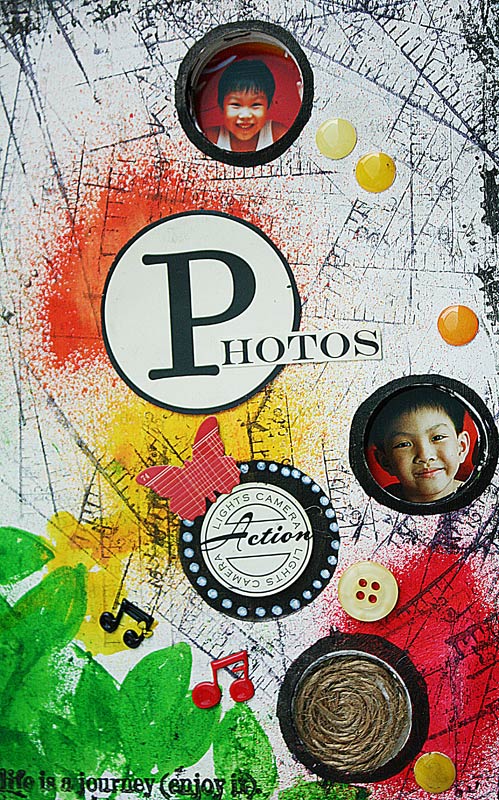
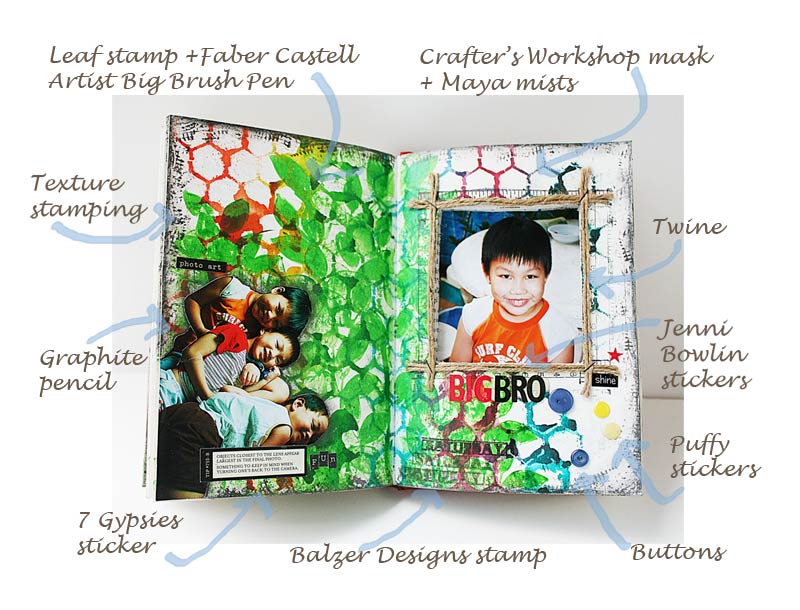
A lot of you have been asking me about how I create the supply list for my creative projects. Here's a tutorial of how I do it using my latest journal page and Photoshop.
1. Start by opening a new file. Ensure that the new file is large enough to fit your photo plus text. You can crop it down later. If you like, you can also name your file.
2. Open your project photo. Unlock your photo layer. Click on the lock and drag it to the trash bin.
3. Use your MOVE tool to move your photo to your new file.
4. Select TEXT tool. You can also choose a colour for your text.
5. You can also choose your text font and size.
6. Type out your text. I start a new TEXT layer for each line [see right column]. You can use the MOVE tool to adjust your text to desired position.
7. Select BRUSH tool. You can adjust the brush size and hardness. When you start using the BRUSH tool, the layer must be rasterized so you can no longer edit the text.
8. Use your mouse [or tablet and pen] to start drawing your arrows. You can undo each step with Undo Brush Tool.
9. Once you are happy with your image, you can crop it to size with your CROP tool.
10. Resize your image and save. I usually save one version in .PSD [so that I can edit later] and another for web.
There you have it, how to create a supply list for your creative project. :)
Pin It